To pack a TV for moving without the original box, lay a soft layer over the screen, sandwich the panel between two sheets of stiff cardboard cut larger than the TV, wrap the lot in moving blankets and keep it standing upright from the wall to the truck. The stand comes off, the cables go in a labelled bag, and nothing ever leans on the screen. That is how to pack a TV for moving so it arrives working, and the rest of this guide covers the detail that matters on the day.
Key takeaways
A flat-screen TV can be moved safely without its original box if the screen is padded, protected front and back by rigid board, and kept upright the whole time. LG and Sony both tell owners not to lay a TV down during handling or transport, because the panel can crack. Take the stand or wall bracket off first, bag and label the screws and cables, and never tape anything to the screen. In the truck, a wrapped TV travels upright against a solid flat item and is strapped so it cannot tip. A telescopic TV carton is the closest substitute for the factory box, and it is worth buying for long-distance moves.
Can you move a TV without the original box?
Yes, and most people have to, because the factory carton went out with the recycling the week the TV was bought. The original box is the ideal. Sony's BRAVIA manuals tell owners to pack the set in the original carton and packing material when moving it, and for good reason. Without that box, the job is to rebuild what it did: stop the panel flexing, stop anything touching the screen, and hold the set upright.
Size changes the plan. A 43-inch set in a spare room in Chermside is a five-minute wrap. A 75-inch OLED on a wall bracket in a Newstead apartment, with a lift booking that finishes mid-afternoon, needs thinking about before the crew walks in. The bigger and thinner the panel, the less forgiving it is.
What do you need to pack a TV for moving?
Most of it is already in the house or easy to pick up from a hardware store. This is what our packers reach for when there is no factory carton:
- Two or three thick moving blankets, or old doonas you do not mind getting dusty
- A soft first layer for the screen, such as a clean foam sheet, a microfibre cloth or an old cotton sheet
- Two sheets of double-wall cardboard, each cut a few centimetres larger than the panel on every side
- Packing tape, plus stretch wrap to hold the blankets in place (on the blankets, never on the screen)
- Zip-lock bags and a marker for the stand screws, bracket bolts and remote
- A telescopic TV carton, if you want the closest thing to the original box
The cardboard is the part people skip, and it is the part that matters. A blanket stops scratches. It does not stop the corner of a bed frame pressing into the middle of the panel when the load shifts on a roundabout. If you are buying cartons and tape for the rest of the house anyway, our range of moving boxes covers the basics, and specialist box suppliers sell telescopic TV cartons sized by screen.

How to pack a TV for moving: what are the steps?
This is the order our crews work in. It assumes two people, because Sony and LG both say larger sets need at least two to carry, and it assumes the TV is switched off at the wall. One warning before you start: some models want the panel laid face down on a padded table to remove the stand, while others, mostly OLEDs, say never to lay the TV down at all. Check your model's manual first.
- Photograph the back of the TV with every cable still plugged in, so reconnecting at the new place takes minutes rather than an evening.
- Unplug everything, coil each cable, and bag the cables with the remote. Label the bag.
- Take the TV off the wall bracket or remove the stand, following the model's own instructions. Bag the screws and tape the bag to the stand or bracket they came from.
- Lay the soft layer over the screen, then place one cardboard sheet over the front and one over the back.
- Tape the two cardboard sheets to each other around the edges, never to the TV itself.
- Wrap the whole panel in moving blankets, hold them with stretch wrap, mark the top edge, and write FRAGILE, SCREEN THIS SIDE on the front.
Done this way, the panel is protected on both faces and the edges are padded where they will touch the truck wall. It is the same thinking as packing a kitchen like a pro: something soft against the fragile surface, something rigid outside it. The marked front is the step that pays off later, because nobody in the truck leans a heavy item against the side they can see is the screen.
Keep tape off the screen
Packing tape, painter's tape and stretch wrap should never touch the screen or the thin frame around it. Adhesive can leave marks, and peeling it off puts pressure on the panel. Tape cardboard to cardboard and wrap to blanket, so the TV sits inside its own sleeve without anything stuck to it.
Should a TV be moved upright or lying flat?
Upright, every time. LG's Australian support guidance says to transport a TV in an upright position, secured so it cannot tip, and not under any circumstances lying down, because the packaging is not designed to support it that way and the panel may crack. Sony's manuals say much the same: do not lay the TV down, and do not subject it to jolts or excessive vibration.
The reason is the panel. Modern LED and OLED screens are thin layers of glass and film in a light frame, built to carry their own weight standing up. Laid flat on a mattress in the back of a ute, every bump on the Ipswich Motorway flexes the middle of the screen. The damage often does not show until the TV is switched on at the other end, which is the worst possible time to find it.
Carrying matters too. Down the front stairs of a high-set Queenslander in Ashgrove, keep the TV the right way up, bottom edge down, and hold it by the bottom and the sides with your hands clear of the screen. Sony's manuals specifically say not to put stress on the panel or the frame around it.
What happens to the stand, the bracket and the cables?
The stand and any wall bracket travel separately from the TV. Left on, a stand acts like a lever on the bottom of the panel every time the truck brakes, and a bracket arm can push through a blanket into the back of the set. Take them off, wrap them on their own, and keep the bag of screws taped to the part it belongs to.
Wall-mounted TVs need one more decision before move day: whether the bracket is coming with you. In a rental, the bracket and the holes behind it are usually part of the exit conversation with the property manager, so settle that in the week before the move rather than on the morning. Taking a big TV off a bracket is a two-person job with the manual open. Patching and painting the wall afterwards is a separate trade.
How do removalists load a TV in the truck?
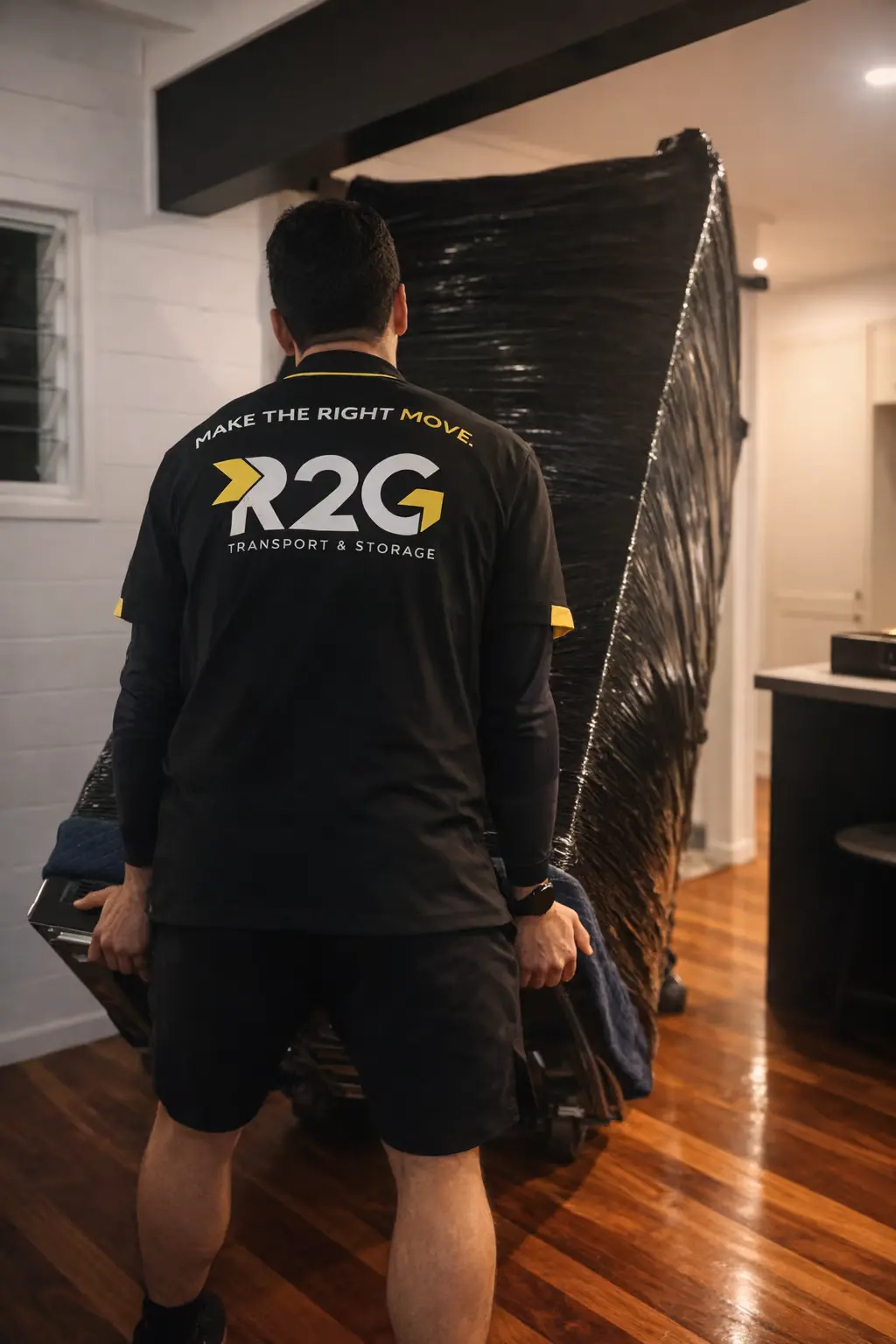
A wrapped TV goes on late and comes off early. On a local job in a four-tonne truck, it stands upright against something solid and flat, such as a bagged mattress or the back of a wardrobe, with the screen facing the soft side. It is strapped so it cannot tip or slide, and nothing gets stacked against the screen face.
The worst spots in a truck are right at the doors, where an item takes the first knock at unloading, and anywhere loose boxes can slide into it on a corner. A TV that is wrapped properly takes a two-person crew with blankets and straps a couple of minutes to secure. One that is wrapped badly costs time on the day, because the crew has to redo it before it goes on.
“We would rather spend ten minutes rewrapping a TV in the driveway than have someone switch it on at the new place and see a line through the screen. The panel is the most fragile thing on most house moves, and it is often the item that gets packed in the biggest hurry.”
, R2G Moving Team
Before you decide who packs it, ask one question about cover. Some removalist terms and transit policies treat items packed by the owner differently from items packed by the crew, so find out how a TV you have wrapped yourself is covered. We have written up how removalist liability for damage works in Australia if you want the longer version, and if you would rather hand the whole job over, you can have our packers do it.
Is packing a TV different for a long-distance or interstate move?
The method is the same. The margin for error is smaller. A cross-town move from Carindale to Springfield Lakes is a short drive, but a run from Brisbane to Sydney, or from Cairns down the Bruce Highway, means hours of road vibration, fuel stops and sometimes a depot transfer between trucks. That is where a telescopic TV carton earns its place over a blanket wrap, because it holds the panel rigid for the whole trip and sits predictably with the rest of the load.
Storage between homes follows the same rule. Keep the TV upright, wrapped, raised off the floor and never with boxes leaning on it. In Far North Queensland that matters more through the cyclone season, which runs from November to April and brings the wet weather with it. For moves out of the state, our interstate removalists plan the load so fragile items like the TV ride where they will move least.
What should you check when the TV arrives?
Unwrap it standing up, in the room it is going into, with two people. Take the blankets off before the cardboard, check the screen and frame for marks in good light, then fit the stand or bracket following the manual. Plug it in and run it for a few minutes before the crew leaves, so any problem is noted on the day rather than discovered next weekend.
Then anchor it. The ACCC's Product Safety Australia guide to toppling furniture and televisions says most TVs come with anchor straps that can attach the TV to the wall or to a TV unit, and that a TV should sit somewhere stable and low, not on furniture such as a chest of drawers. A new house is when people skip this, because the old anchor points are in the old wall. With small children at home, put it on the first-night list.
Frequently Asked Questions
Can I lay a flat-screen TV down in the car if I drive carefully?
Manufacturers say no. LG's Australian support guidance says not to transport a TV lying down under any circumstances, and Sony's manuals say not to lay the TV down when handling it. Careful driving does not stop the panel flexing over speed bumps and potholes. If the TV will not fit upright in your car, it needs a taller vehicle or a removalist truck.
Is bubble wrap enough to protect a TV for moving?
On its own, no. Bubble wrap and blankets stop scratches, but they do not stop the screen flexing if something presses against it. A TV needs rigid protection on the front and back, such as two sheets of double-wall cardboard cut larger than the panel, or a telescopic TV carton. Keep tape and wrap off the screen itself and tape only cardboard to cardboard.
Do removalists pack TVs for you?
Many removalists will wrap and load a TV as part of a house move, and those offering packing services can handle it from the wall to the truck. Ask when you book whether the crew will pack the TV or expect it wrapped already, and how a TV you pack yourself is covered if it is damaged. Getting both answers in writing before moving day avoids surprises.
How do you pack a curved or OLED TV for a move?
Treat it as more fragile than a standard LED set. OLED panels are especially thin, and Sony advises keeping its OLED TVs upright during handling and transport, ideally in the original packaging. A curved screen needs padding built up so the cardboard does not press on the middle of the curve. For a large curved or OLED set without its box, a telescopic carton or professional packing is worth it.
Getting your TV moved by a crew that packs it properly
R2G has been moving Queensland households since 2014, and wrapping a TV properly is part of the routine on our house moves out of the Archerfield and Cairns City depots. If you want the TV, and everything around it, packed and loaded for you, our Brisbane removalists and our Cairns crews can take it from the old wall to the new lounge room. Tell us the screen size and whether it is wall mounted when you get a free quote, and we will plan the job around it.